Candle product photos from your phone.
Photograph your candle wherever you poured it. Very Nice Photos turns that photo into a clean, consistent product image for your shop, market stall page or socials, and keeps each version with the original.
One free result without an account. No card needed.
Real examples
Both originals are ordinary photos. The outputs came straight from the app and are labelled as AI outputs; they are selected, not retouched.
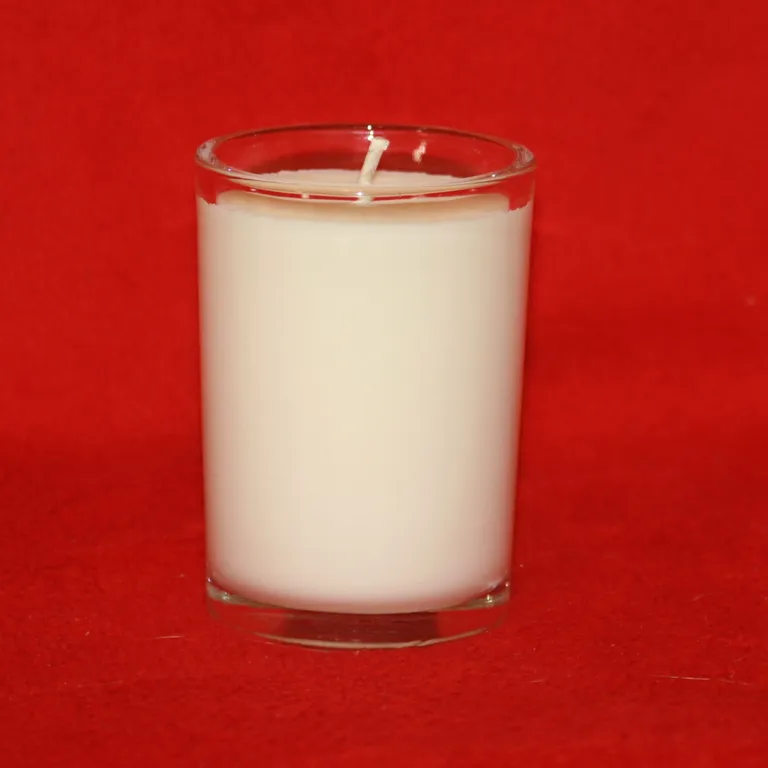
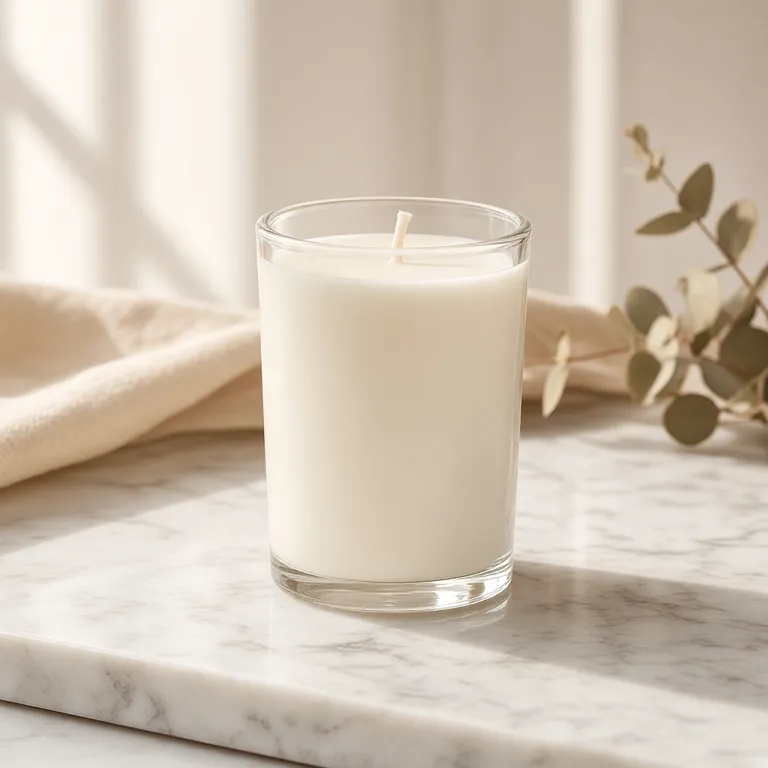
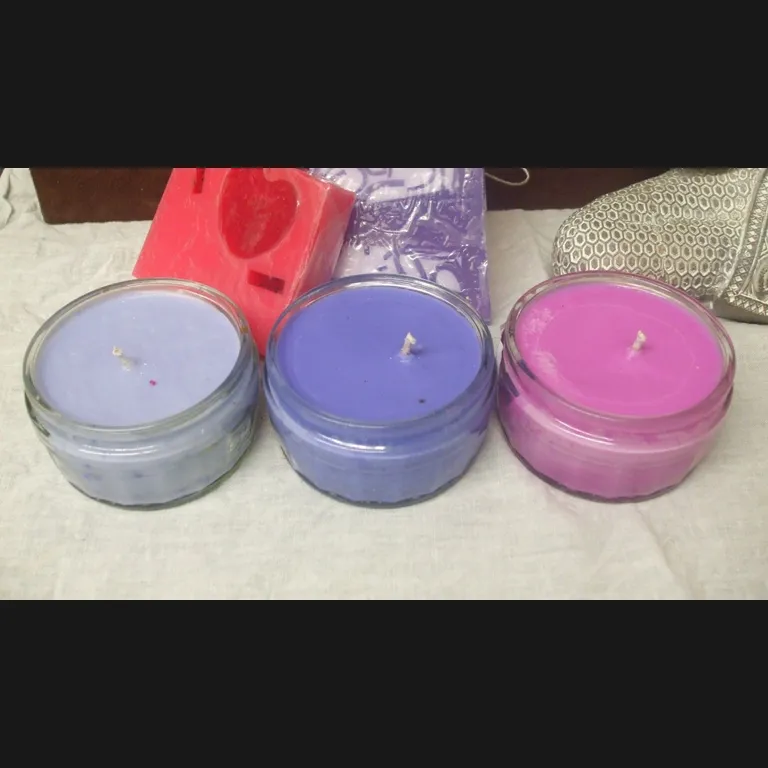
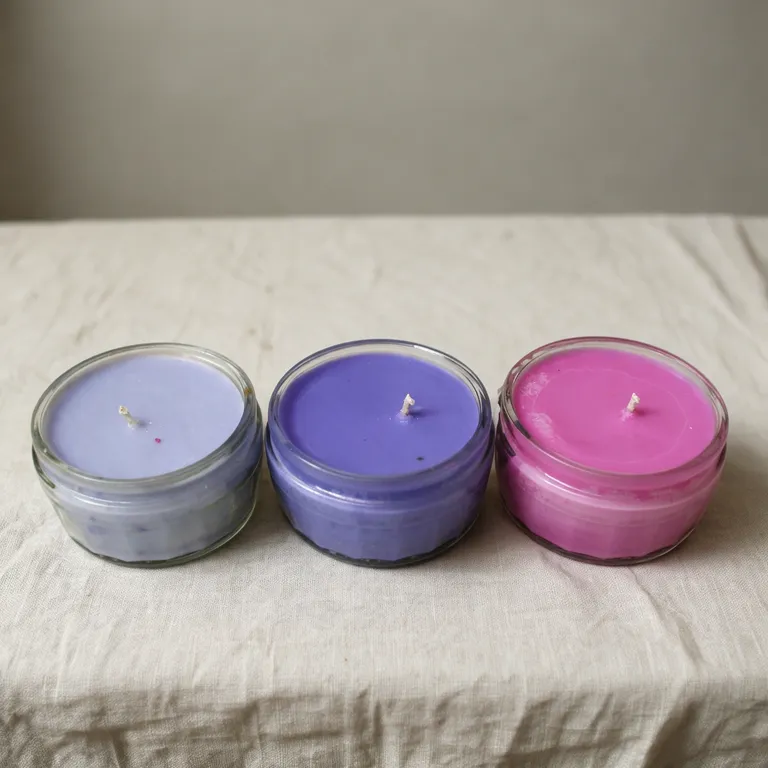
Taking the original photo
- Shoot unlit first. Wax colour, the wick and the jar are easiest to keep accurate when there is no flame glare.
- Get the whole jar in frame. Leave a little space around the lid, base and label so nothing has to be guessed.
- Use soft daylight. A window beside you avoids harsh reflections on glass. Turn off overhead lights that tint the wax yellow.
- Hold the camera near jar height. A slightly raised side view shows the wax surface and the vessel shape at once.
- Keep labels flat and readable. Check any text in the output carefully; AI can change small print, so compare it with your label before listing.
Keep a whole range consistent
Scent ranges usually share a jar and change the colour or label. Put each range in its own collection, use the same look for every scent, and each output stays grouped with the photo it came from, so you can see which versions you have already made.
What it costs
New accounts get 1,000 free credits with no card. Each image costs 22–64 credits (A$0.22–A$0.64) depending on the model, roughly 15–45 images from the free credits. After that, 2,000 credits cost A$20. Failed images are refunded.
Try it on one of your candles.
Photo credits
Candle photos: mikehipp (CC BY-SA 2.0); Bbeezboutiquecandles (CC BY-SA 4.0). Sources are cropped and resized. Outputs were generated with Very Nice Photos and are shared under the same licence as their source.

