Jewellery product photos from your phone.
Rings, earrings and pendants are hard to photograph well at home. Take a quick phone photo and Very Nice Photos turns it into a clean product image, with every version kept alongside the original.
One free result without an account. No card needed.
Real examples
Both originals are casual phone photos. Outputs came straight from the app and are selected, not retouched. Look closely at engraving and filigree in any output: AI can redraw fine patterns, so compare it with the piece before listing.
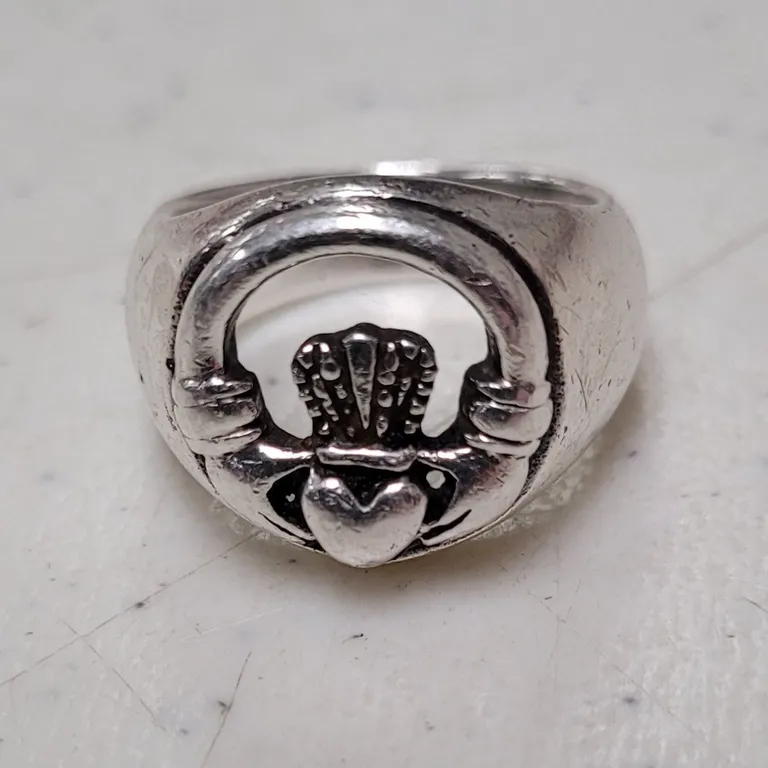
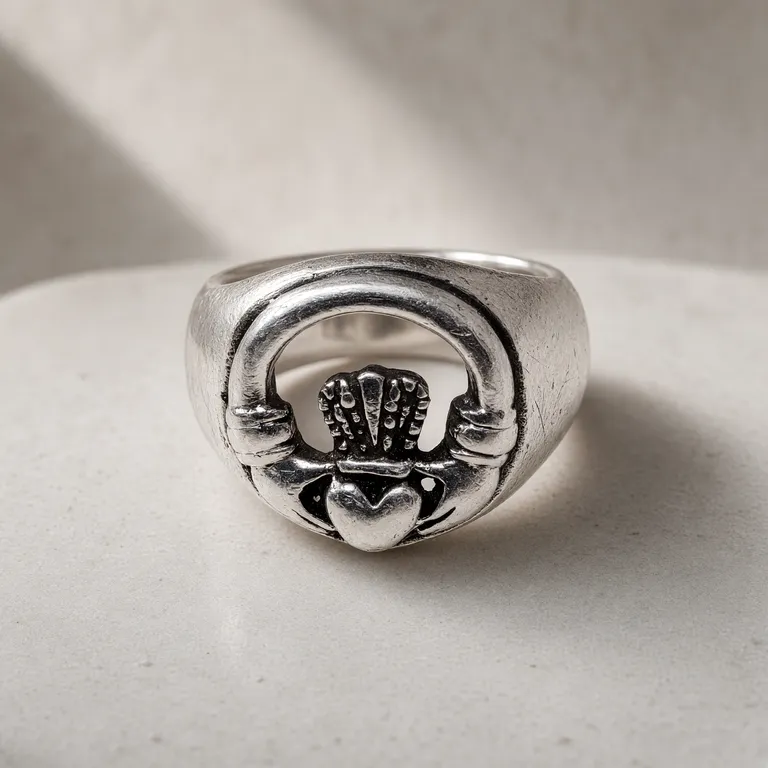
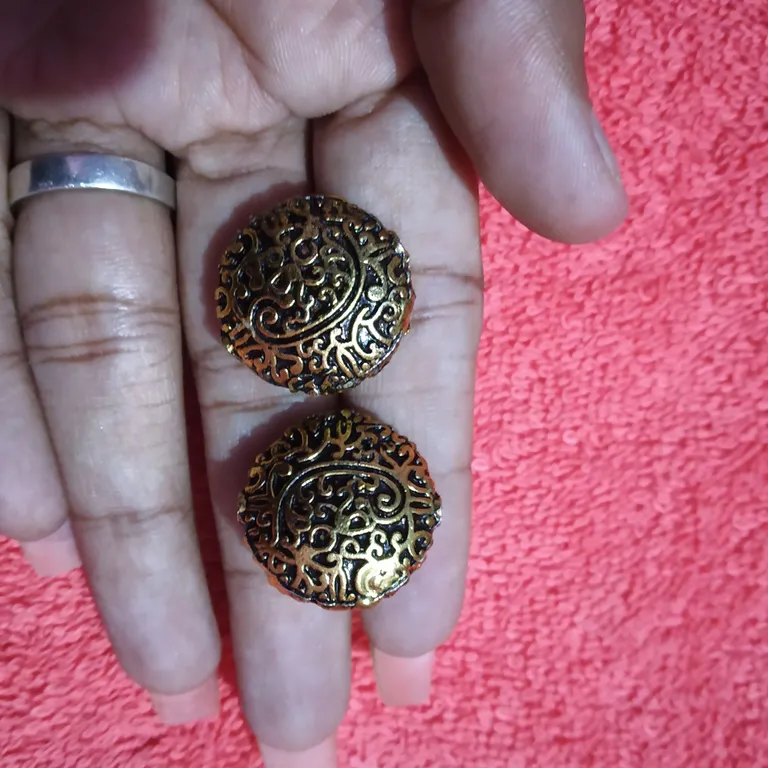
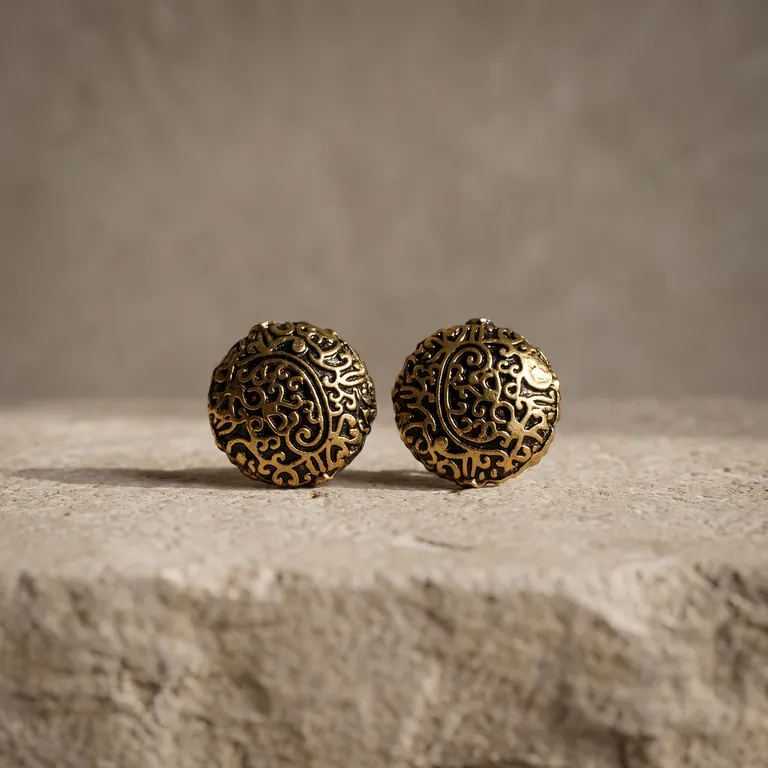
Taking the original photo
- Fill the frame. Move close enough that the piece takes up most of the photo, then tap to focus on it. Small pieces lose detail when they are tiny in the frame.
- Use soft, even light. Daylight from a window, not a lamp or flash, keeps metal tones and stone colours closer to life.
- Show the side you want to sell. Outputs usually keep the angle of your original, so photograph the face of a ring or the front of a pendant.
- Holding it is fine. A hand or towel in the original is usually replaced with a product setting, as in the earrings above.
- Keep one pair or piece per photo. A single subject gives the most reliable result.
Organise a collection
Make a collection for each range, such as silver rings or a seasonal drop. Every output is saved with its source photo, and new versions of the same photo are grouped together, so you can always find the original behind a listing image.
What it costs
New accounts get 1,000 free credits with no card. Each image costs 22–64 credits (A$0.22–A$0.64) depending on the model, roughly 15–45 images from the free credits. After that, 2,000 credits cost A$20. Failed images are refunded.
Try it on one of your pieces.
Photo credits
Ring: Night of the Ed (CC0). Earrings: Kamali mohan kumar (CC BY-SA 4.0). Sources are cropped and resized. Outputs were generated with Very Nice Photos and are shared under the same licence as their source.

